
AI Studio
Bring enterprise-grade AI to Odoo Community — no paid API required. Chat, smart AI dashboards, reports, translate, scan documents — plus a built-in MCP server to connect Claude, Cursor & ChatGPT directly to your Odoo data.
Features
And many more: Slash Commands • KPI Templates • Auto-fallback • Setup Wizard • Insights
MCP Server Built-in
Web (OAuth) or CLI (uvx
erpblox-ai-mcp) — works with any AI client
AI Chatbot
Chat with your ERP — natural language, instant replies, anywhere
Why Pay for AI? 100% FREE
Or bring your own: OpenAI • Anthropic
Ask anything about your data
Chat with AI in Odoo Discuss. Ask questions in natural language — AI queries your database and responds with real data.
- Cross-model queries (customer + orders + invoices)
- Streaming responses in real-time
- View Records, Export Excel, Export PDF
- Welcome screen with suggestion chips
Search Odoo in plain language
Type a question directly in the Odoo search bar — AI understands, queries your data, and shows results instantly.
- Integrated into native Odoo search bar
- AI generates domain filters automatically
- Works on any list view / any model
Charts & KPI from a single prompt
Type "create dashboard for purchase orders" and get a full dashboard with KPI cards and charts — all with live data.
- 7 KPI layouts: default, compact, split, detail, sparkline, dual, progress
- Chart.js: bar, line, pie, doughnut, horizontal bar
- GridStack drag & resize
- Live data refresh — KPI real-time, chart re-query DB
- Pin, share, organize into dashboard tabs
- Curated KPI templates for Sales, Purchase, Accounting, Stock, HR, CRM
Upload PDF → Create Record
Upload a PDF invoice or purchase order in chat. AI extracts all data and opens a pre-filled form — ready to save.
- Generic — works with any Odoo model
- AI maps fields automatically via schema introspection
- Searches products by name, code, or reference
Generate, Rewrite & Translate
AI buttons in every HTML editor. Generate content with record context, rewrite in any tone, translate to 92 languages. Replaces Odoo OLG — completely free.
- Auto-detect record context (model + data)
- HTML: tables, headings, blockquotes, code blocks
- Translate to 92 languages
- Custom rewrite instructions
Automated AI reports on schedule
Schedule any AI query to run automatically. Get daily sales summaries, weekly stock reports, or monthly KPI overviews.
- Daily Digest view — all results in one page
- KPI/Chart results with GridStack layout
- Deliver via Email, Telegram, Discord, Slack, Webhook
Newspaper-style business reports
Multi-section AI reports styled as newspapers. Configure sections, choose a theme, schedule delivery.
- Dynamic grid layout — adapts to section count
- Public pages with access tokens
- Deliver via Email, Telegram, Discord, Slack, Webhook
- Schedule: daily, weekly, monthly
Summarize any record in seconds
Two actions in AI chat window header: Summarize Record (fields + data) and Summarize Thread (chatter messages + activities).
AI-Powered Tools
AI integrated everywhere — code editor, translations, filters, content generation
Write Python Code with AI
Describe what you need in plain English — AI generates Python code for server actions. Works in every code editor across Odoo.
AI Translate Everything
Translate records in bulk — product names, descriptions, any translatable field. One click, all languages at once. Smart batching with context-aware AI.
Translate Odoo UI with AI
Select modules, pick languages — AI translates all menus, buttons, labels, and messages. PO files saved to disk, persistent across restarts. Placeholder protection included.
Generate, Rewrite & Fix Grammar
AI writing tools built into every HTML editor — generate content, rewrite in different tones, fix grammar, expand or shorten text. Full HTML support with tables, headings, lists.
AI Domain Filter
Describe filters in plain language — AI generates Odoo domain expressions. Built into every domain selector across Odoo: automated actions, search filters, record rules.
Smart Model Management
Auto-detect context window, free/paid status, and capabilities for every model. Smart fallback uses only free models. Search models with paid badge indicator.
10 AI Providers Built-in
Auto-fallback between providers when rate limited
Deliver Anywhere
6 channels for AI results
Discuss
Native Odoo chat — auto-post AI replies.
SMTP delivery, AI-formatted HTML.
Telegram
Bot DM/group — webhook or polling.
Discord
Slash commands + interactions.
Slack
Events API, HMAC verified.
Webhook
Custom HTTP POST to any endpoint.
And So Much More
Every detail crafted
Easy Setup
Get started in minutes
Ollama Setup Wizard
Step-by-step install. Detect OS, RAM, suggest best model.
User API Keys
Each user sets own keys. Share with system or keep private.
Connector Guides
Telegram, Discord, Slack — step-by-step with test connection.
Slash Commands
Quick access from Discuss chat
/chat
AI assistant
/ask
Ask data
/chart
Make chart
/dashboard
Overview
/schedule
Recurring
/clear
Clear chat
Connect Claude, Cursor & ChatGPT to Odoo
Model Context Protocol (MCP) server built-in — 21 AI tools to query data, plus smart AI-generated dashboards that replace the boring template-locked dashboard modules forever.
Everything through natural language
Claude reads your Odoo schema, queries data, generates charts, translates text, writes Python code — all via MCP tools.
- Schema discovery (list models, describe fields)
- Data query (read, count, aggregate with group by)
- AI analysis (ask, summarize, chart, KPI, translate, code)
- Record mutation (create, update, delete — admin controlled)
Goodbye boring dashboards
Forget rigid dashboard modules with the same recycled templates. Just ask Claude — it designs unique, beautiful dashboards in any style (brutalism, minimal, newspaper, glassmorphism...) with live Odoo data.
- Unlimited designs — Claude writes HTML/CSS freely, no template lock-in
- Live data tags — <query>, <graph>, <datatable> refresh every visit
- Iterate by chat — "make it darker", "add a pie chart" — instant changes
- Embed anywhere — Odoo menu, backend tab, or public URL
- Built-in home portal at /mcp-page lists every dashboard
Full control over AI access
Multi-layer security — OAuth for web, API keys for CLI, model whitelist, tool config, and complete audit trail.
- OAuth 2.1 + PKCE + Dynamic Client Registration — works with all OAuth-compatible clients
- MCP API keys with IP whitelist & expiry
- Model whitelist — restrict which models AI can access
- Tool config — enable/disable each tool individually
- Mutation tools disabled by default
- Full audit log — every tool call tracked
Works with every MCP client
One server, every AI client. Connect via OAuth (web) or API key (CLI). PyPI package for instant setup.
- Claude.ai — Connectors (OAuth, one-click)
- Claude Desktop — Connectors or JSON config
- Claude Code — .mcp.json config
- Cursor — .cursor/mcp.json or UI
- Gemini CLI — gemini mcp add (HTTP/stdio)
- ChatGPT — Custom Connectors (Plus/Pro)
- Codex CLI — ~/.codex/config.toml (OAuth)
- Any MCP client — Streamable HTTP /mcp/v1
3 ways to connect
Web Connectors (OAuth)
Claude.ai • ChatGPT • Cursor UI • Gemini Enterprise
Paste URL → OAuth login → Approve → Done
Local CLI (Stdio)
Claude Desktop • Claude Code • Cursor • Gemini CLI
"args": ["erpblox-ai-mcp"],
"env": { ODOO_URL, MCP_API_KEY }
HTTP + Bearer Token
Codex CLI • n8n • LangChain • custom agents
Authorization: Bearer mcp-...
Single DB or Multi-DB — both supported
Single Database
Simplest • dedicated deploy
URL: /mcp/v1 • no extra config
Subdomain (SaaS)
Multi-tenant production
db1.host.com → DB db1
db2.host.com → DB db2
Each DB → own URL
Multi-Instance
Dev parallel testing
-d db2 --port=8002
Each port → each DB
Independent processes
AI everywhere you work
Install AI Studio alongside other ERPBlox modules to unlock AI features in Studio, Automation, and Report Studio.
Odoo Builder
support@erpblox.com
Build apps, models, views, dashboards, and reports — all with AI assistance. The biggest AI integration in ERPBlox.
Automation Studio
support@erpblox.com
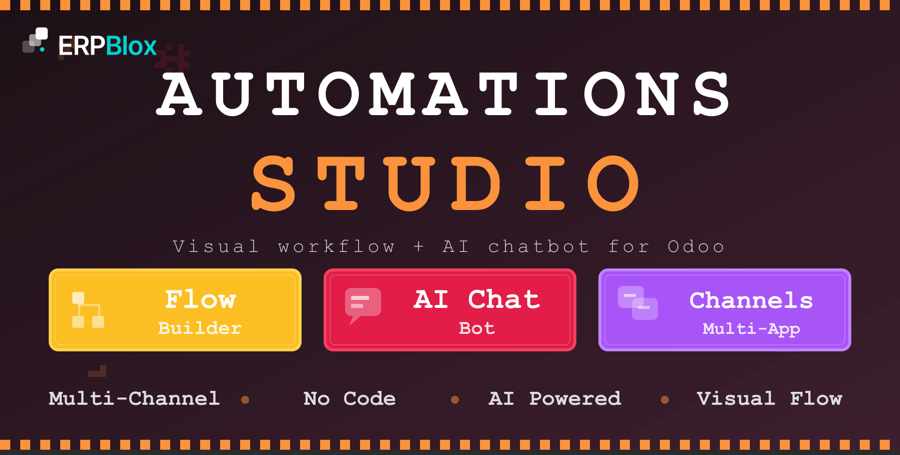
Visual flow builder enhanced with AI. Build automations with drag-and-drop, then let AI pick the right action and craft messages on the fly.
Report Studio
support@erpblox.com
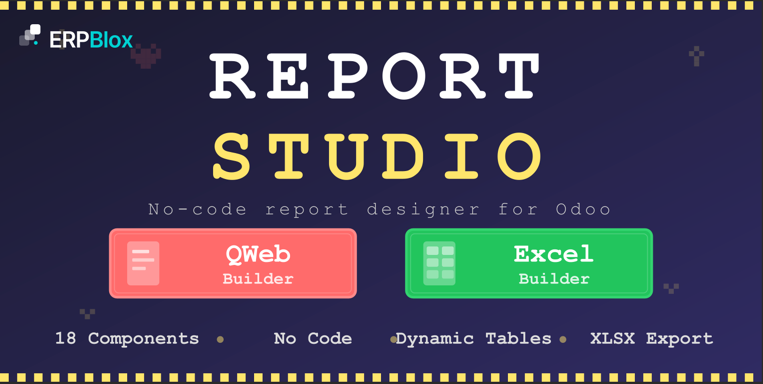
AI Report Generator — describe what you want, AI builds the QWeb template.
AI Studio is the foundation — install once, unlock AI in every ERPBlox module.
Need Help or Customization?
We're here to help you get the most out of AI Studio

The Building Blocks of ERP
Discover premium Odoo modules to streamline your operations, boost productivity, and scale your business — one block at a time.
LGPL Version 3
This software and associated files (the "Software") may only be used (executed,
modified, executed after modifications) if you have purchased a valid license
from the authors, typically via Odoo Apps, or if you have received a written
agreement from the authors of the Software (see the COPYRIGHT file).
You may develop Odoo modules that use the Software as a library (typically
by depending on it, importing it and using its resources), but without copying
any source code or material from the Software. You may distribute those
modules under the license of your choice, provided that this license is
compatible with the terms of the Odoo Proprietary License (For example:
LGPL, MIT, or proprietary licenses similar to this one).
It is forbidden to publish, distribute, sublicense, or sell copies of the Software
or modified copies of the Software.
The above copyright notice and this permission notice must be included in all
copies or substantial portions of the Software.
THE SOFTWARE IS PROVIDED "AS IS", WITHOUT WARRANTY OF ANY KIND, EXPRESS OR
IMPLIED, INCLUDING BUT NOT LIMITED TO THE WARRANTIES OF MERCHANTABILITY,
FITNESS FOR A PARTICULAR PURPOSE AND NONINFRINGEMENT.
IN NO EVENT SHALL THE AUTHORS OR COPYRIGHT HOLDERS BE LIABLE FOR ANY CLAIM,
DAMAGES OR OTHER LIABILITY, WHETHER IN AN ACTION OF CONTRACT, TORT OR OTHERWISE,
ARISING FROM, OUT OF OR IN CONNECTION WITH THE SOFTWARE OR THE USE OR OTHER
DEALINGS IN THE SOFTWARE.